
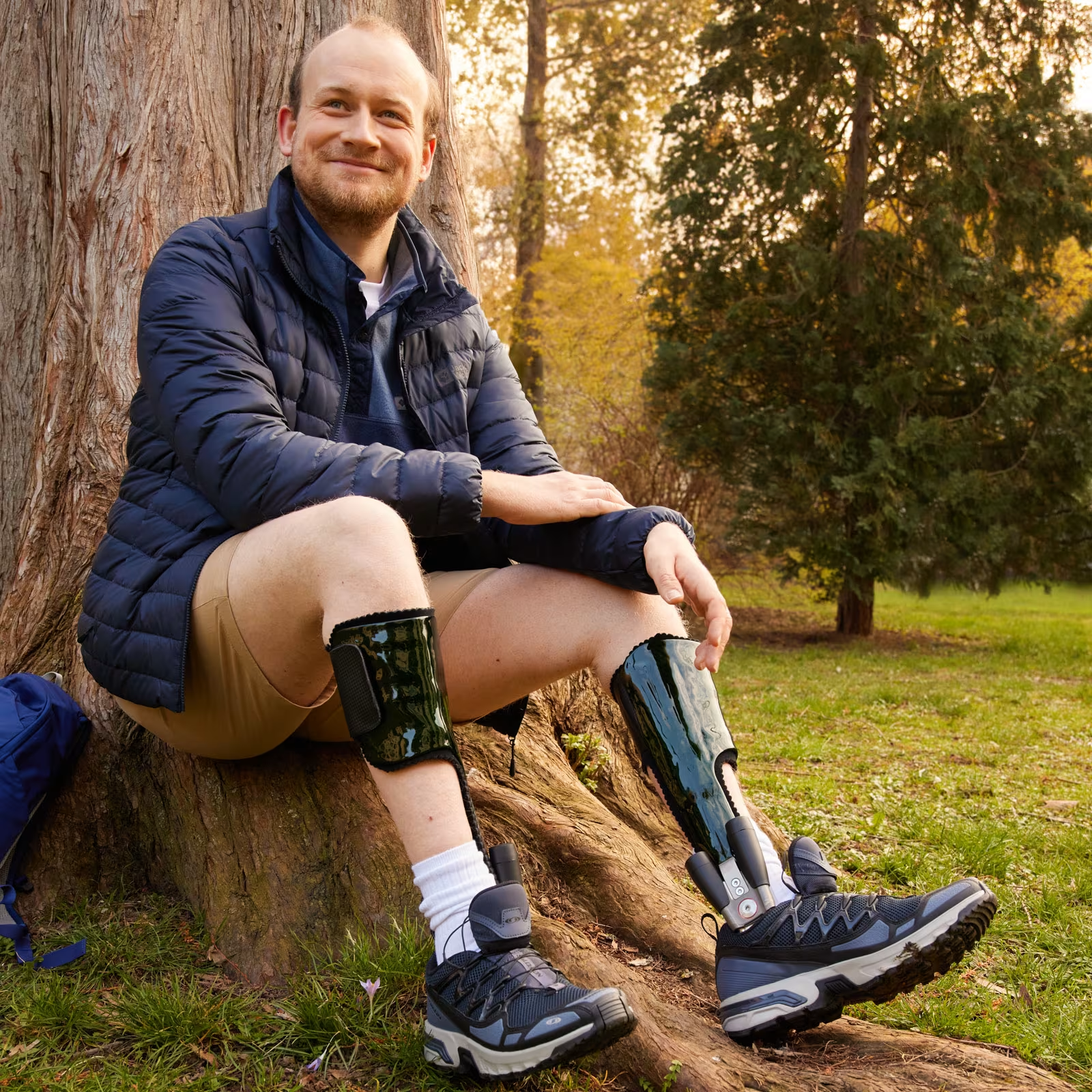
Welcome to the Ottobock Orthosis Configurator.
The Ottobock orthosis configurator.
With the guided online configuration process, you can create custom leg orthoses step by step in just a few clicks. Based on the anamnesis, suggestions for suitable designs are made and an overview of all relevant system components is provided for a simple and clearly structured ordering process.
Customised AFO, KAFO or KO designs are stored in the database as solutions.
Four steps to a custom orthosis.
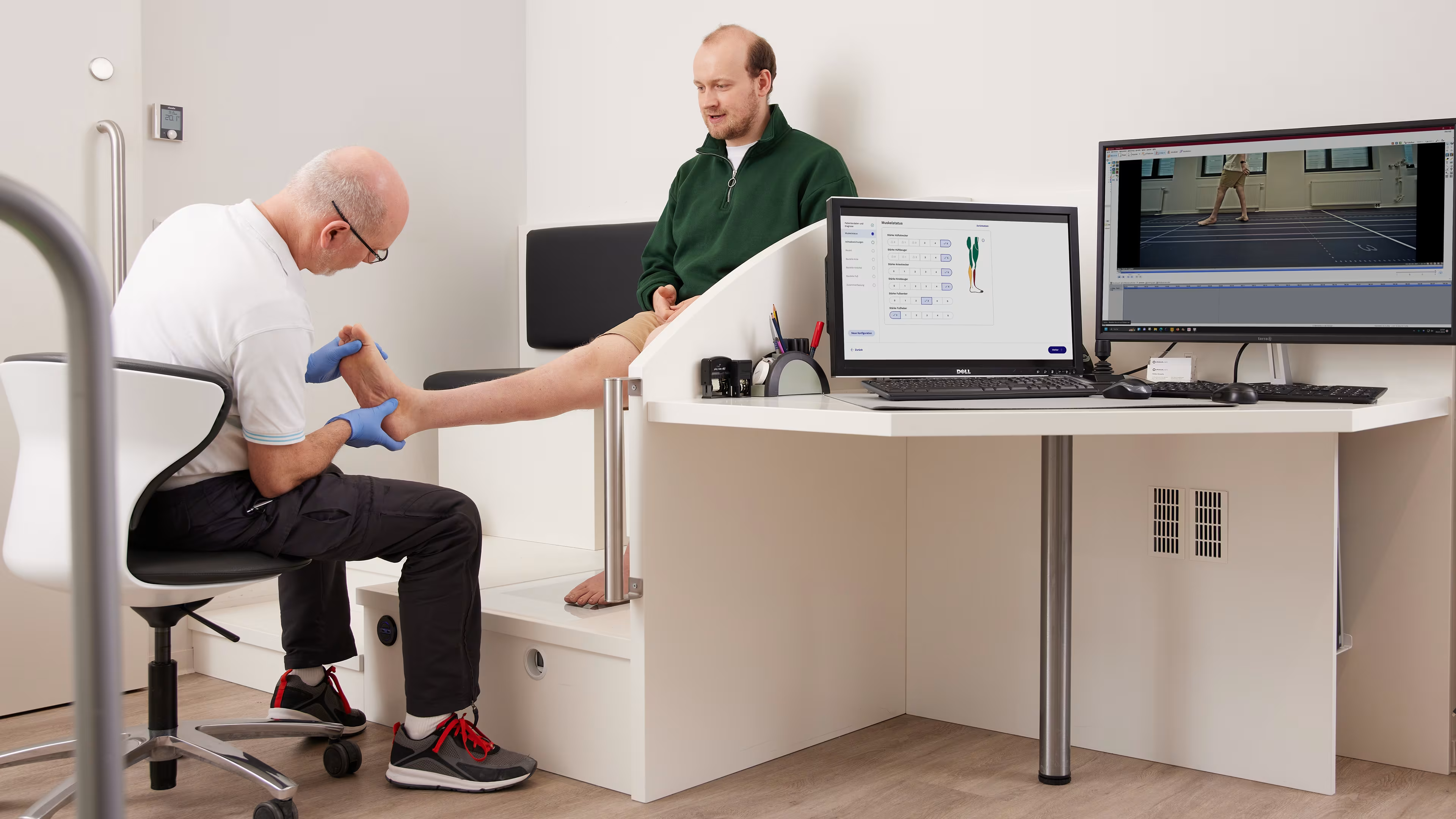
Anamnesis
Record relevant patient data (e.g. weight, muscle status, axis deviations).
Record relevant patient data (e.g. weight, muscle status, axis deviations).
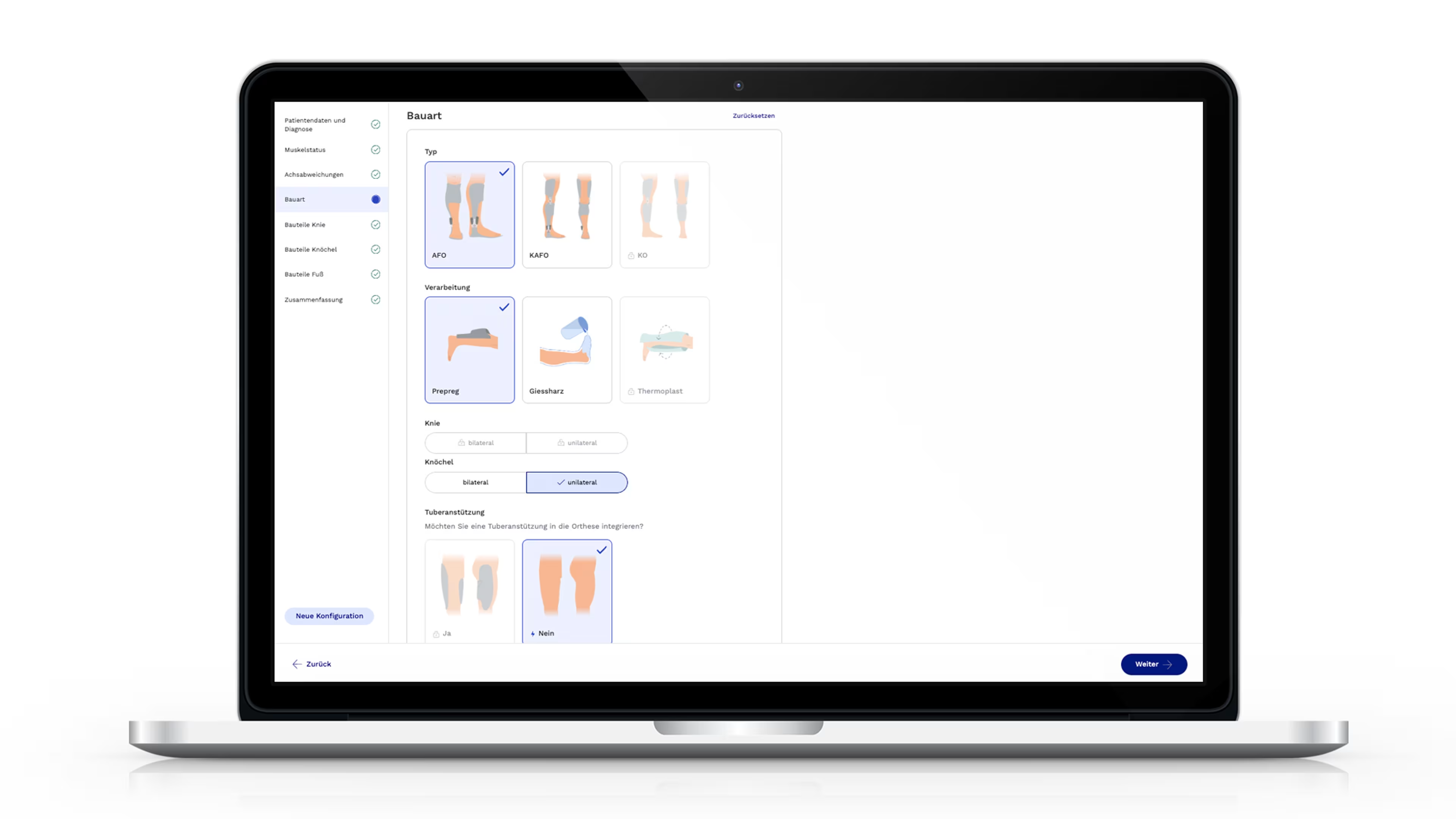
Components
Select production technique and define basic design.
Select production technique and define basic design.
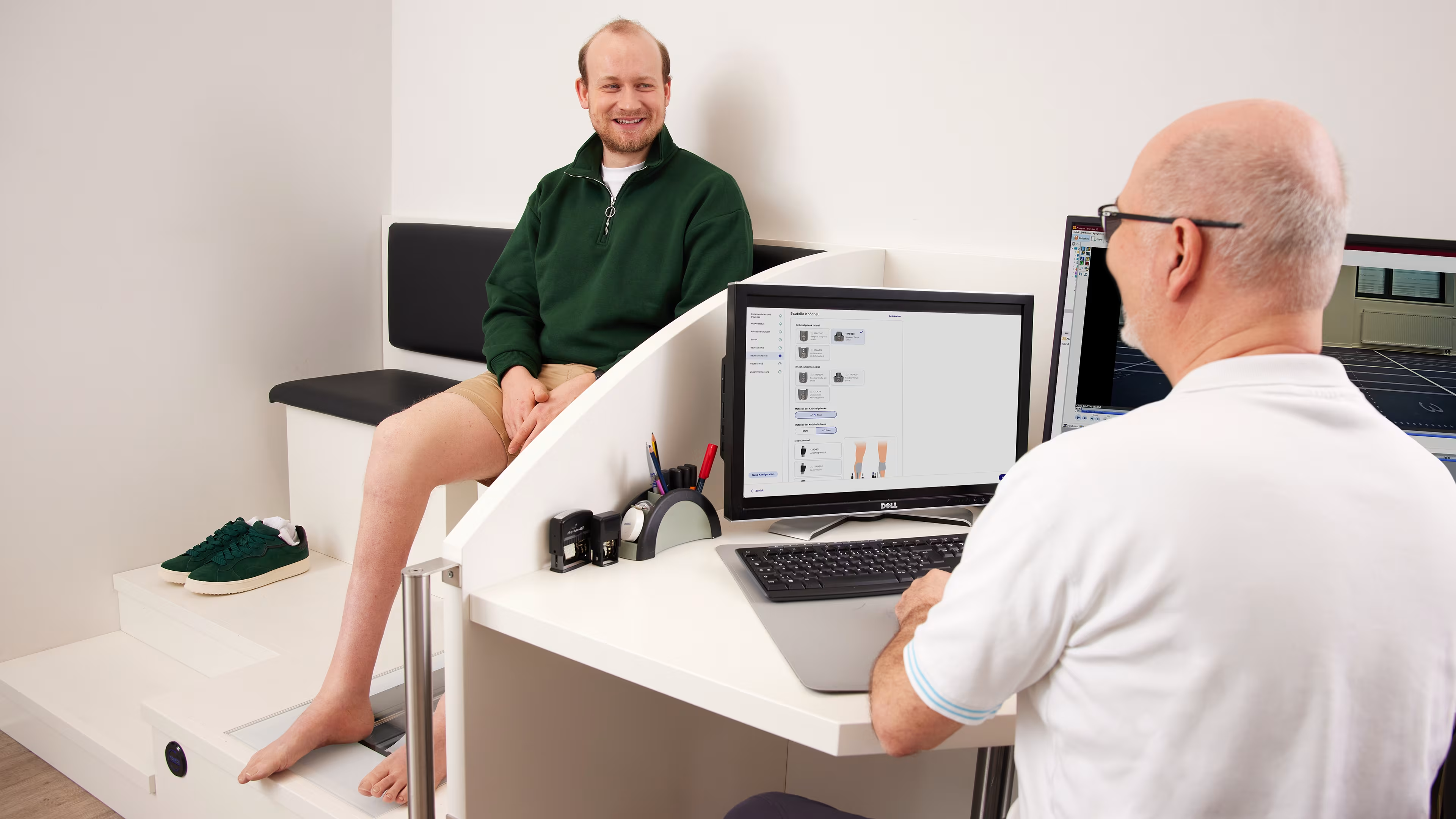
Configuration
Adapt type, materials and components to the needs of the patient.
Adapt type, materials and components to the needs of the patient.
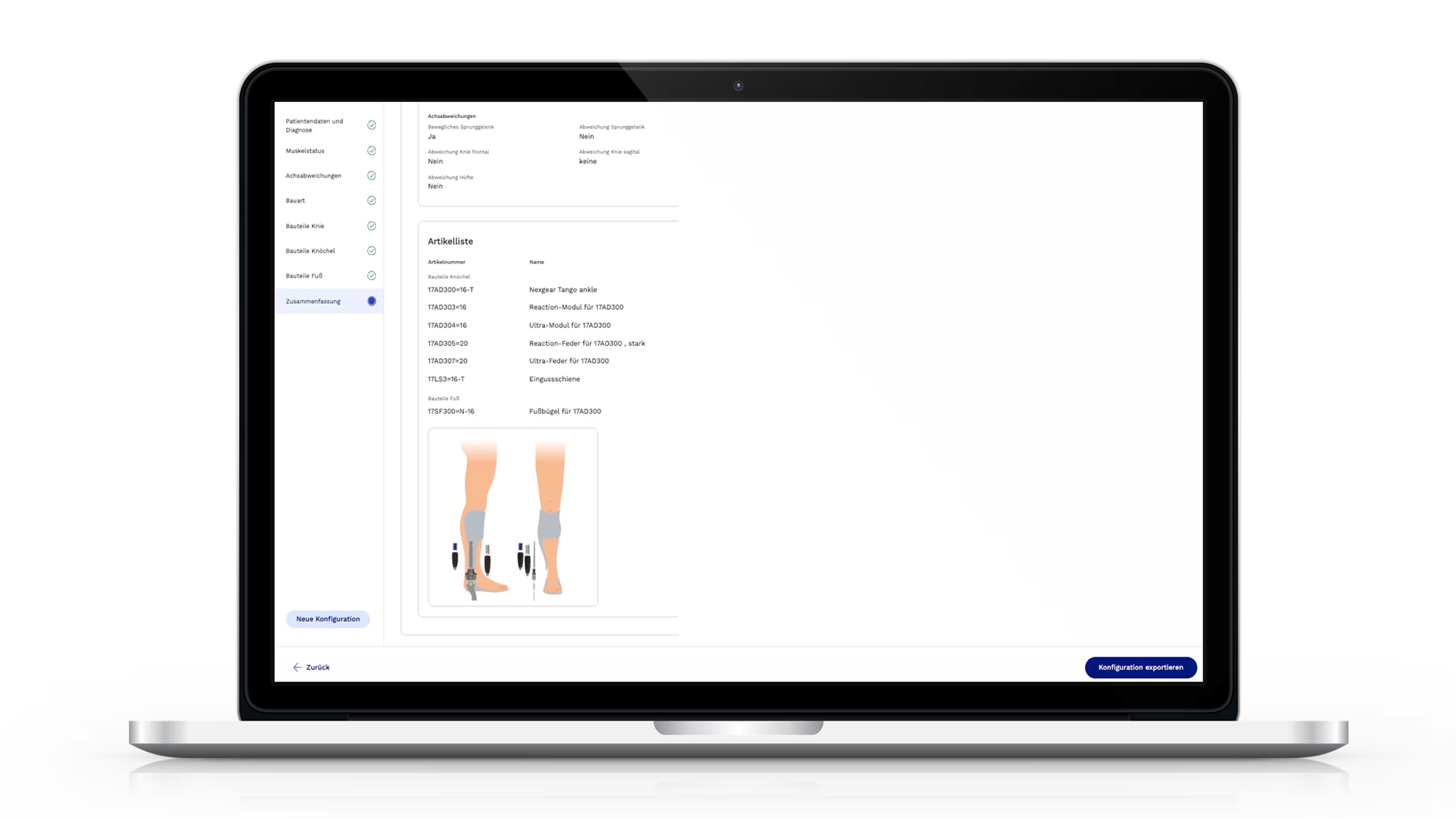
Result
Save configuration as PDF or add it to shopping cart.
Save configuration as PDF or add it to shopping cart.
Product portfolio.
The Ottobock orthosis configurator includes the following product portfolio:
Nexgear family
Unilateral line
E-MAG Active.
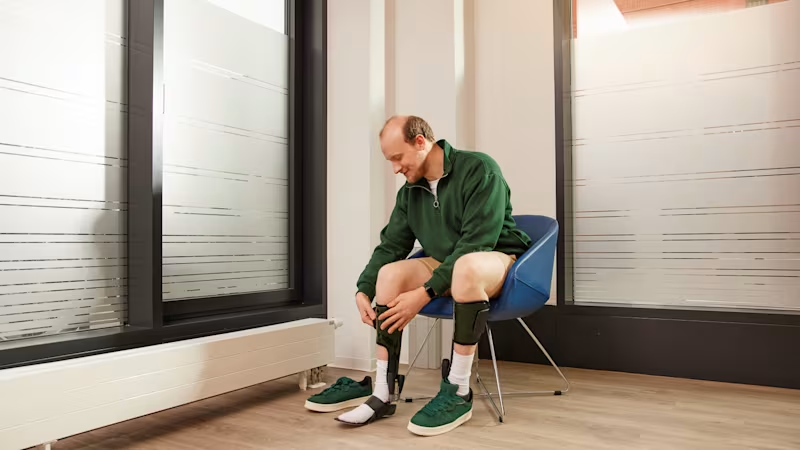
Note.
The proposals are preliminary selection aids and are not a substitute for the clinical assessment. Final selection, fitting and delivery will be made by qualified personnel in accordance with the IFU and applicable specifications.