connectgo by Ottobock.
Download your connectgo now.
Download your connectgo now.
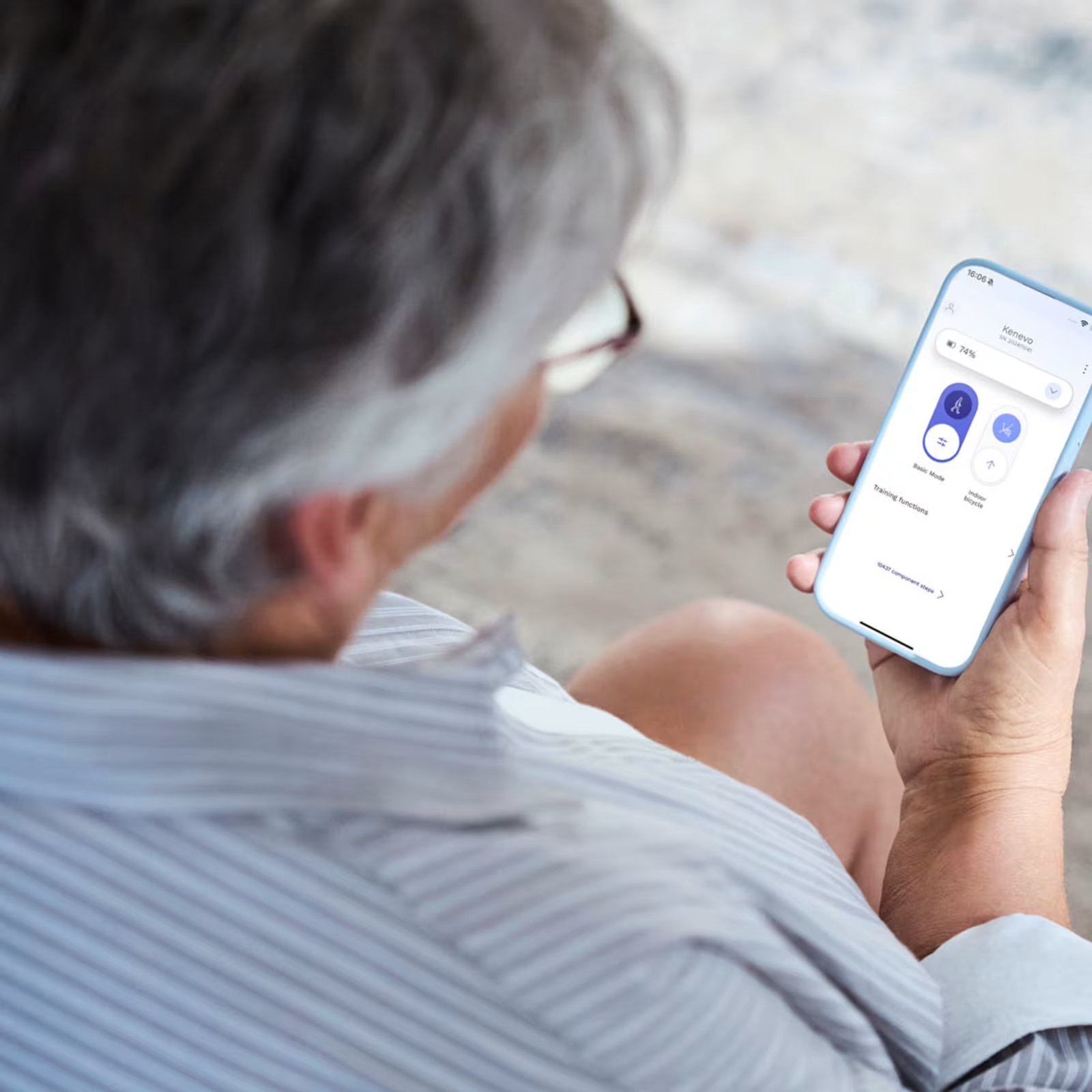
User app for mechatronic prostheses and orthoses from Ottobock.
If you use an Ottobock microprocessor prosthesis or orthosis, connectgo is your app.
connectgo by Ottobock is the new and improved version of the Cockpit app – the end-user app for Ottobock prostheses and orthoses. It is available for the Genium family, C-Leg and Kenevo, as well as Meridium and C-Brace.
With an intuitive design and powerful features, it gives you the control you need, right from your smartphone.
Easily adjust your device settings to match your daily routine and personal needs, so your support fits you perfectly, every day.
Key facts.
Seamless component connection.
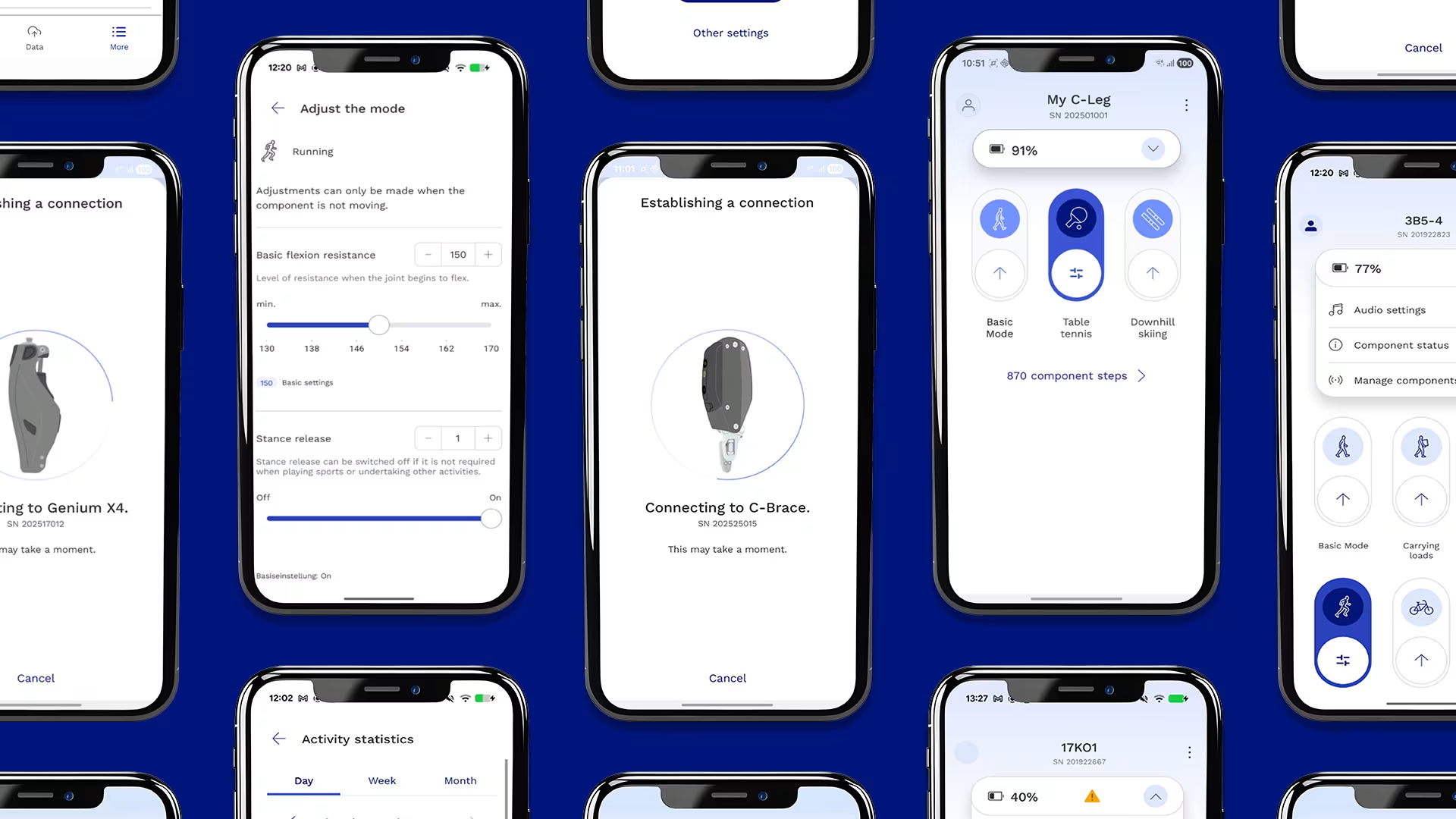
Connect your prosthesis or orthosis to the connectgo app with just a few clicks.
Connect your prosthesis or orthosis to the connectgo app with just a few clicks.

MyModes, feature control and more.
Switch MyModes and adjust your prosthesis or orthosis instantly to match your activity throughout the day.
Switch MyModes and adjust your prosthesis or orthosis instantly to match your activity throughout the day.
Step counter and activity data.
Gain valuable insights into your mobility and stay active and healthy. Your data stays saved even when switching devices, helping you monitor progress and stay informed.
Gain valuable insights into your mobility and stay active and healthy. Your data stays saved even when switching devices, helping you monitor progress and stay informed.
Your next steps.
- Download connectgo by Ottobock from your app store.
- Find the 4-digit Bluetooth-PIN which is provided on the Bluetooth-PIN card of the component. If you can’t find your Bluetooth-PIN, contact your CPO.
- Follow the connection instructions in the app.
Contact us.
If you would like to learn more about the connectgo app and how it can support your needs, please fill out the form below.
Frequently asked questions.