
connectgrip.
Ottobock MyoBock 元件專用全新調整 App,專為使用者與義肢矯形專業人員打造。
Ottobock MyoBock 元件專用全新調整 App,專為使用者與義肢矯形專業人員打造。
Ottobock MyoBock 元件專用全新調整 App,專為使用者與義肢矯形專業人員打造。
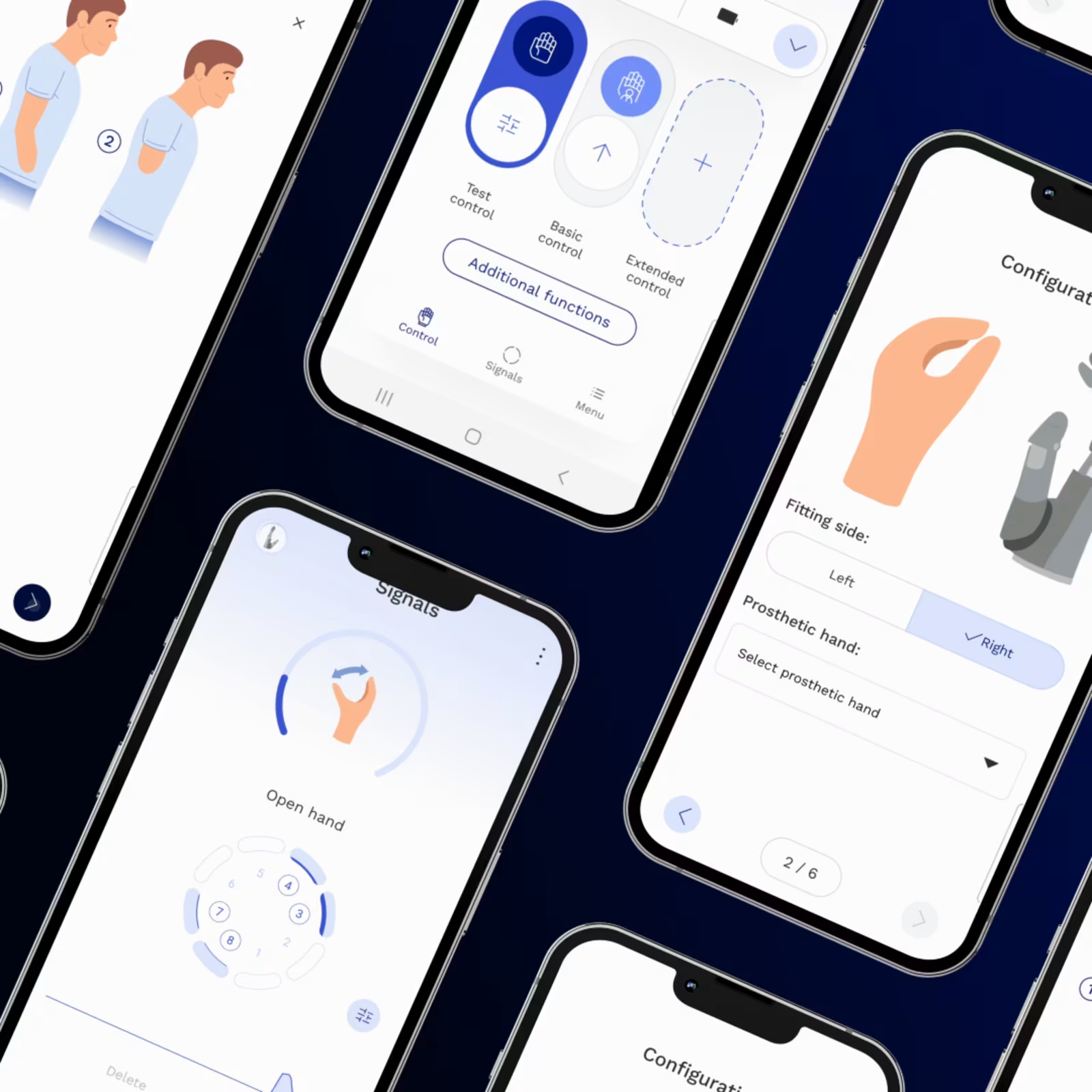
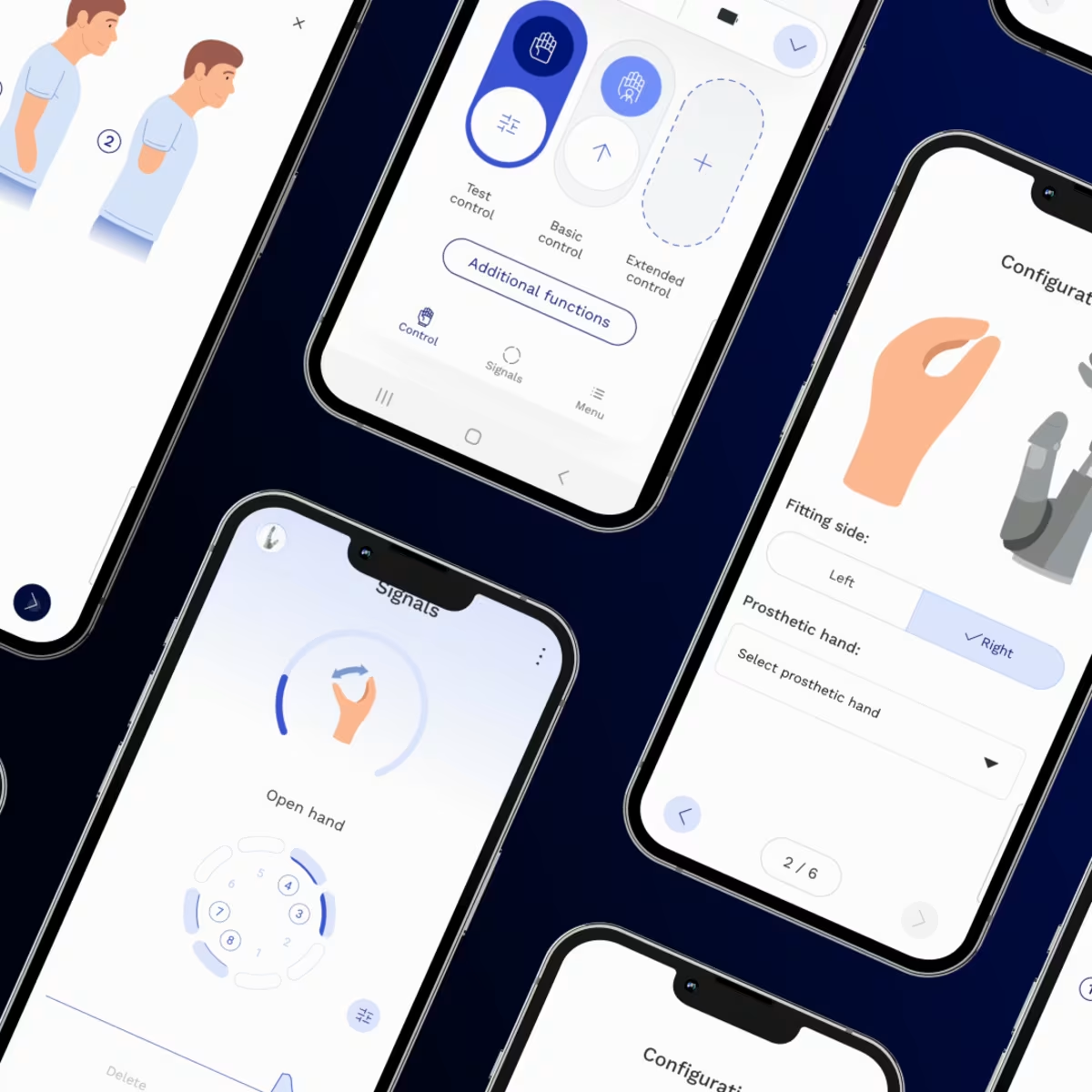
connectgrip app 為使用者與義肢矯形專業人員提供直覺化操作介面,可用於控制與個人化調整肌電義肢手臂與義手。它支援輕鬆調整設定、即時訊號視覺化,以及動作、關節切換與非預期動作的個別動作記錄。使用者可獲得更佳控制體驗,而專業人員則能透過更有效率的義肢設定功能,同時提升功能性與舒適度。

主要特色。
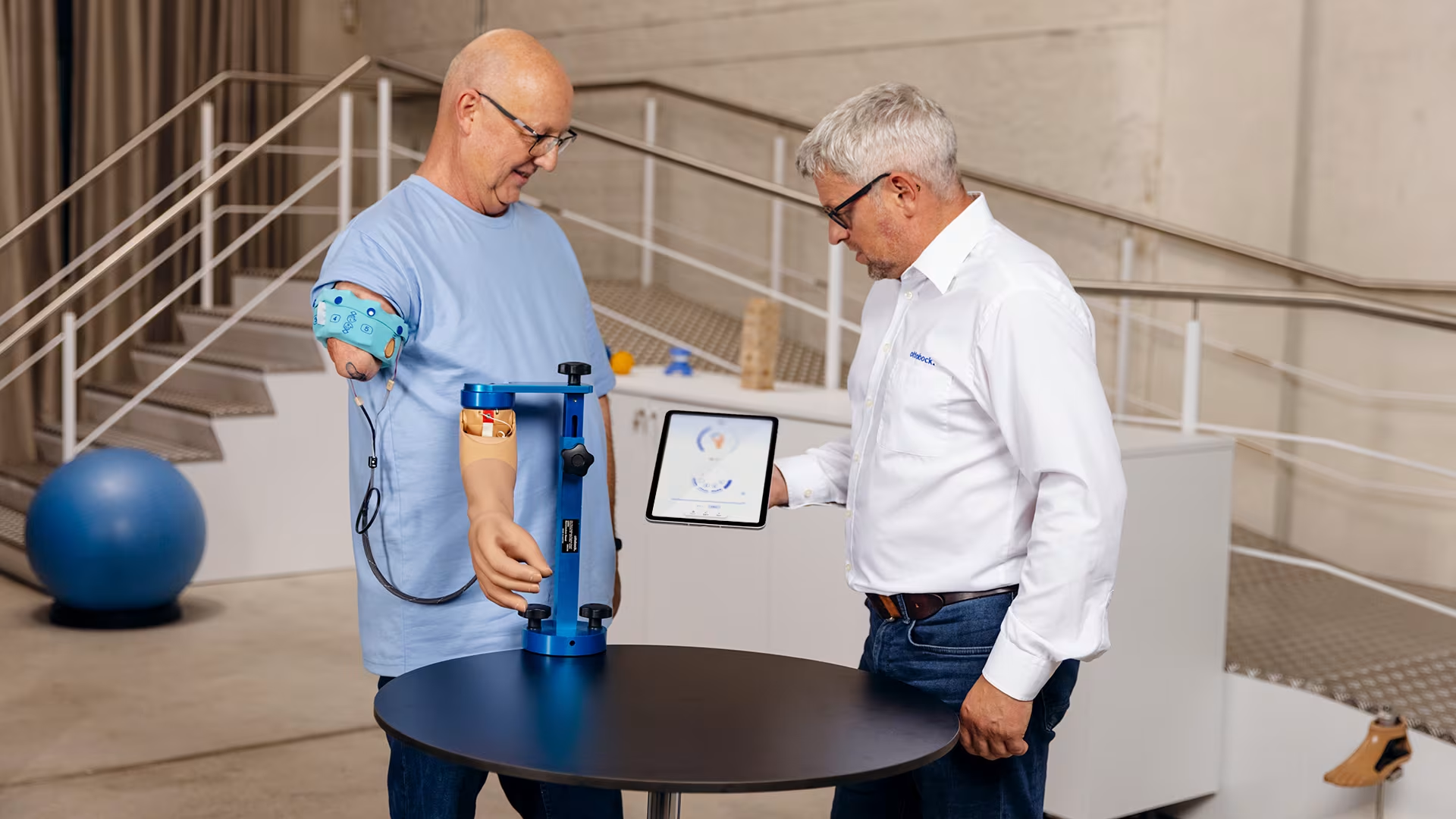
可自訂肌電訊號
依照使用者需求靈活調整肌電訊號,提供更流暢且個人化的義肢控制體驗,進一步提升使用成果。
依照使用者需求靈活調整肌電訊號,提供更流暢且個人化的義肢控制體驗,進一步提升使用成果。
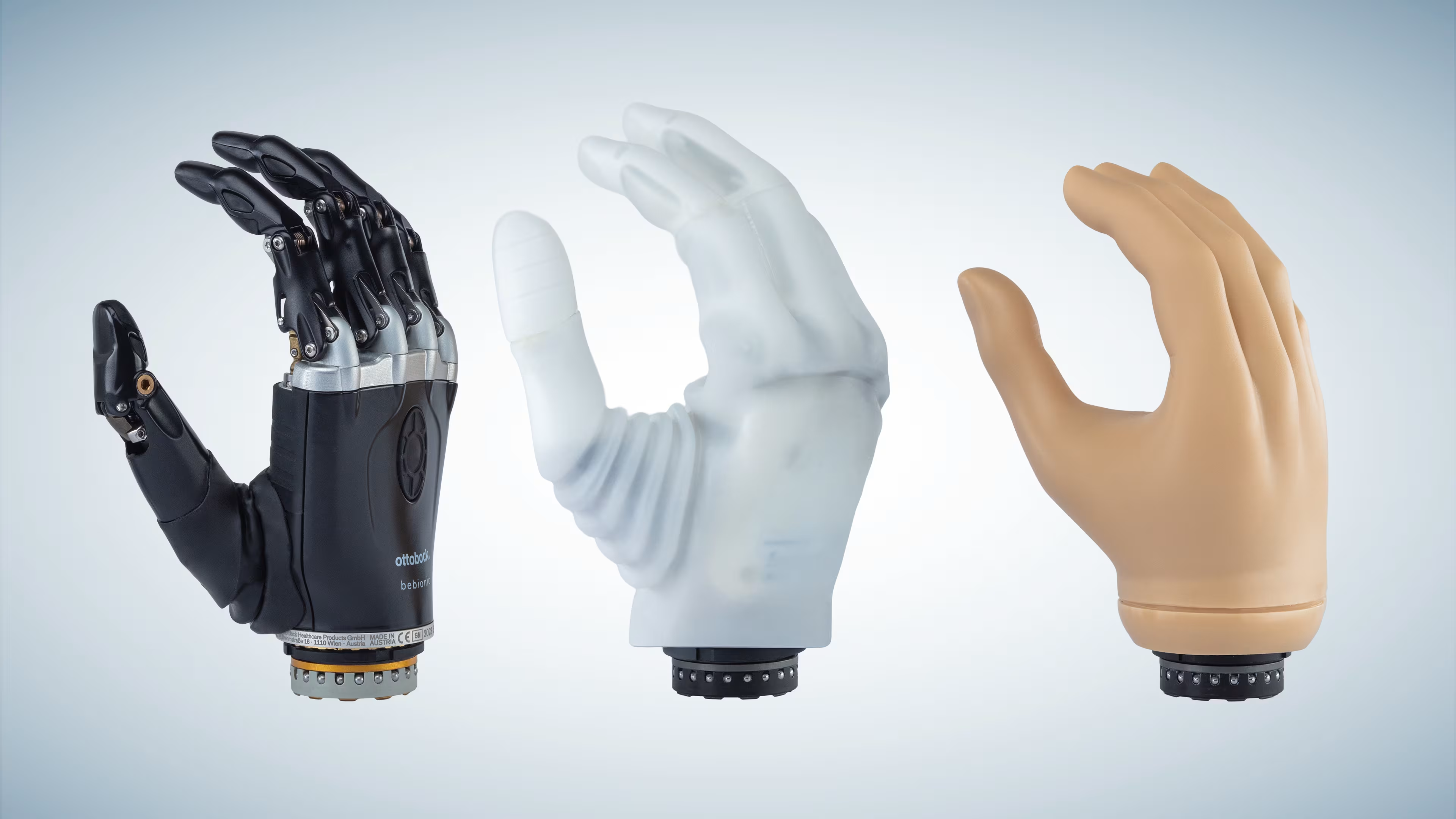
與所有 Ottobock 肌電終端裝置相容
可依照使用者能力,將肌電終端裝置與智慧控制系統、旋轉關節與肘關節等元件整合,打造符合個人需求的義肢方案,支援更直覺、自然的控制體驗。
可依照使用者能力,將肌電終端裝置與智慧控制系統、旋轉關節與肘關節等元件整合,打造符合個人需求的義肢方案,支援更直覺、自然的控制體驗。
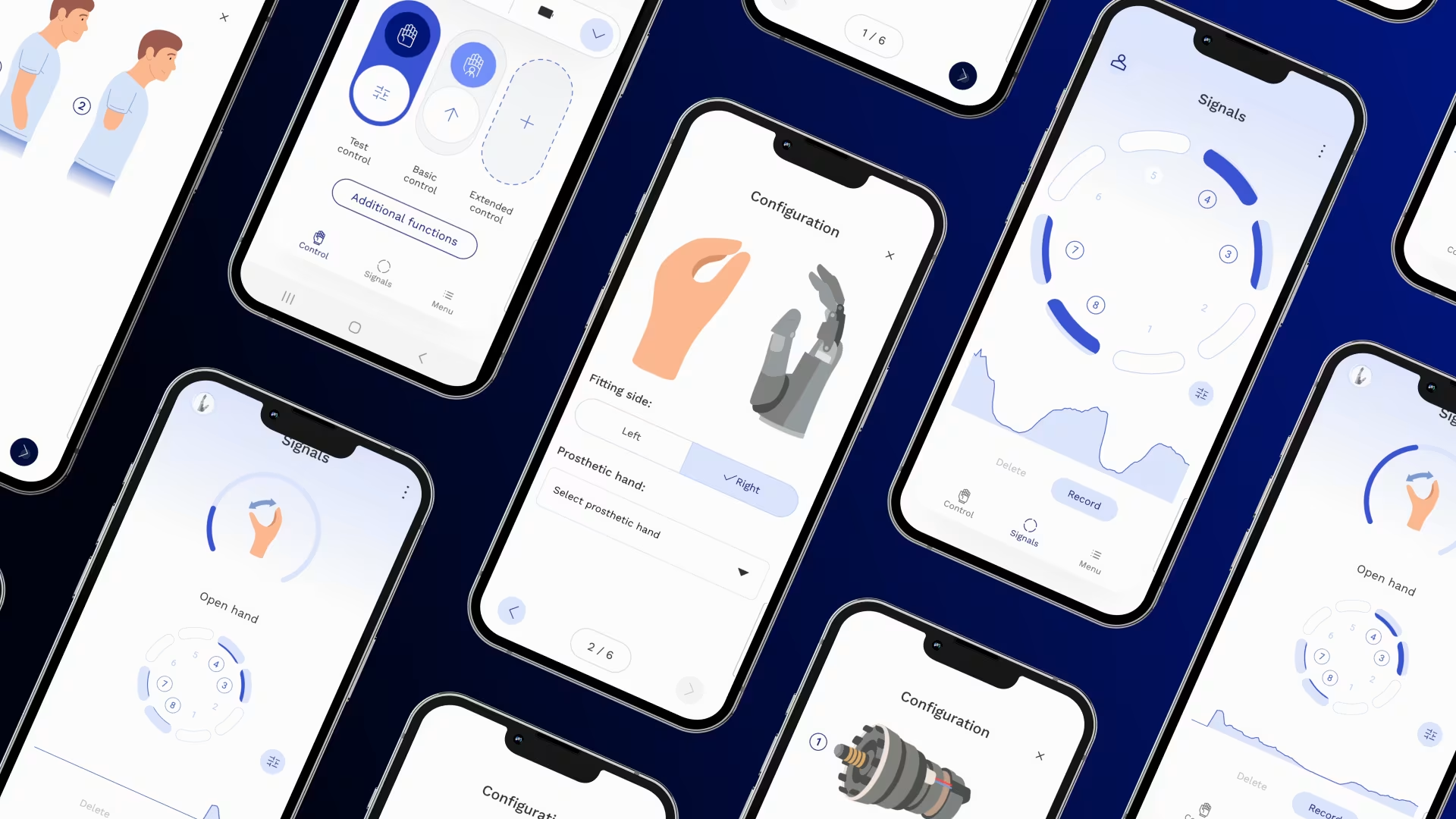
即時視覺化生物反饋
connectgrip app 可將肌肉訊號轉換為即時動態視覺畫面,顯示使用者的肌電活動,幫助辨識最佳訊號位置並精準引導訓練。透過視覺化回饋,可達到更理想的訓練成果。
connectgrip app 可將肌肉訊號轉換為即時動態視覺畫面,顯示使用者的肌電活動,幫助辨識最佳訊號位置並精準引導訓練。透過視覺化回饋,可達到更理想的訓練成果。

快速啟用/停用義肢
可透過短暫肌肉訊號或 connectgrip app,快速暫時停用或重新啟用個別或全部義肢元件,提供更高安全性與靈活使用體驗。
可透過短暫肌肉訊號或 connectgrip app,快速暫時停用或重新啟用個別或全部義肢元件,提供更高安全性與靈活使用體驗。
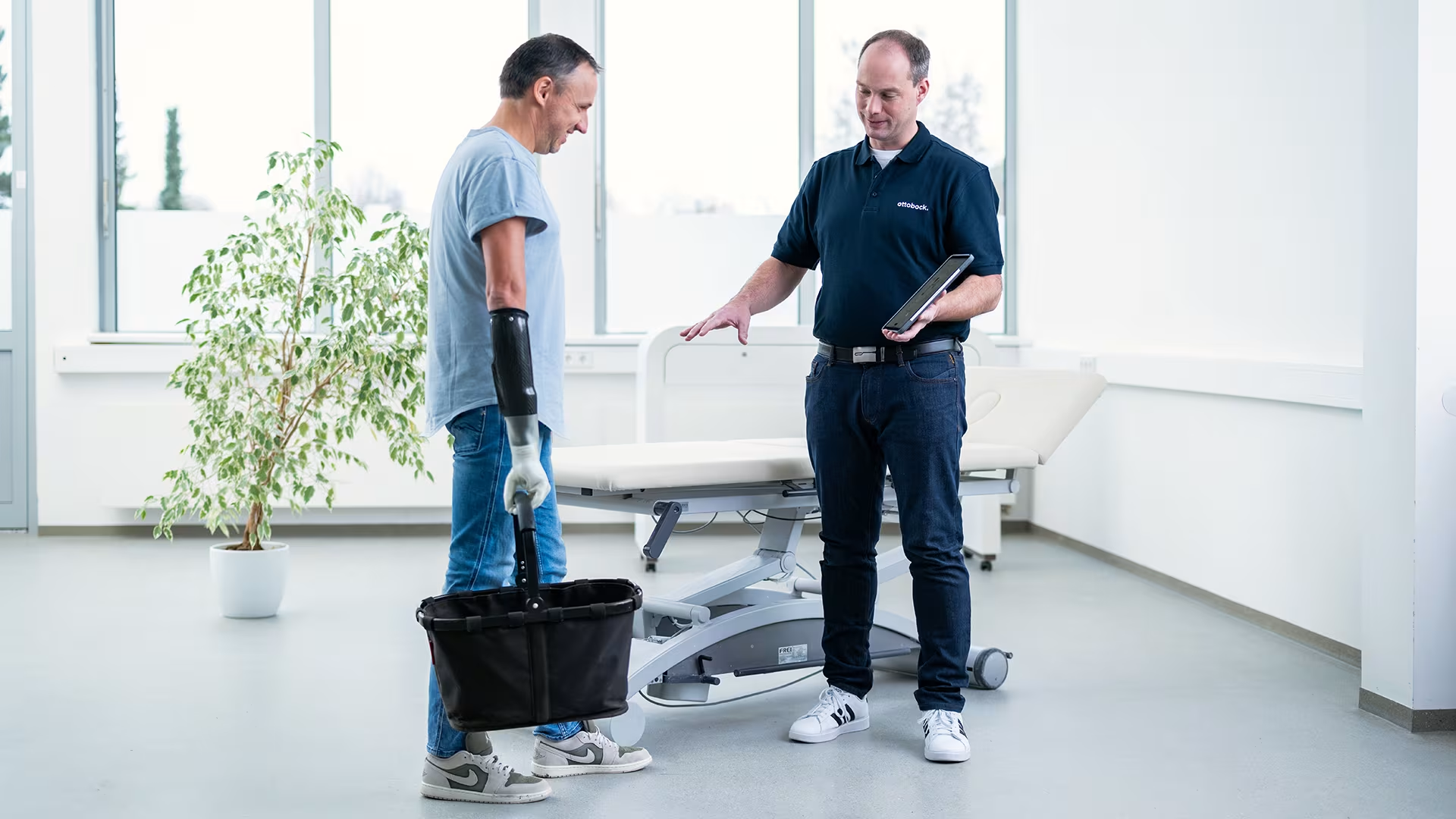
記錄非預期義肢動作
myosmart plus 搭配 connectgrip app,可記錄意外肌肉訊號,以減少義肢誤動作與錯誤控制。
myosmart plus 搭配 connectgrip app,可記錄意外肌肉訊號,以減少義肢誤動作與錯誤控制。
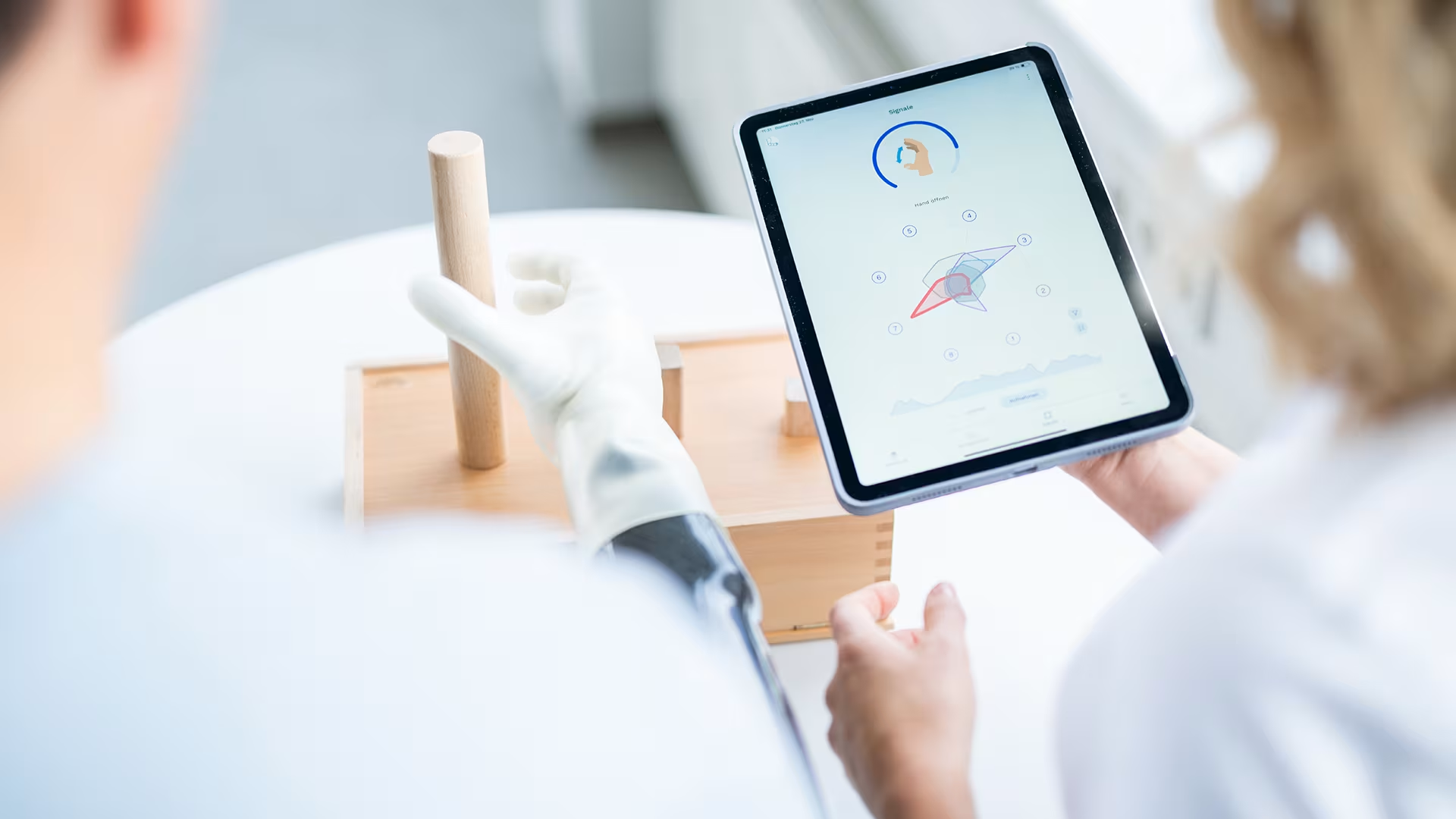
透過目標式訓練提升表現
所有訊號都能透過 connectgrip app 即時視覺化。試用控制與居家訓練可協助快速調整義肢控制,並支援使用者自主優化義肢功能。建議在治療師陪同下進行訓練,以確保最佳表現與安全使用。
所有訊號都能透過 connectgrip app 即時視覺化。試用控制與居家訓練可協助快速調整義肢控制,並支援使用者自主優化義肢功能。建議在治療師陪同下進行訓練,以確保最佳表現與安全使用。
三個簡單步驟開始使用。
- 安裝: 從 Google Play 或 Apple App Store 下載 connectgrip app。
- 登入: 開啟 connectgrip App,透過使用者圖示或「Menu」中的登入功能,以 Ottobock ID 帳號登入。若尚未擁有 MyOttobock 帳號,可透過登入畫面中的「Register here」連結進行註冊。
- 啟用: 若您已事先透過 MyLearning 完成產品認證,系統會自動將認證加入您的 Ottobock ID 帳號,並可直接使用 connectgrip app 的專業模式進行產品設定。您也可透過使用者圖示或「Menu / Certification」申請產品啟用,並依照畫面指示完成操作。