
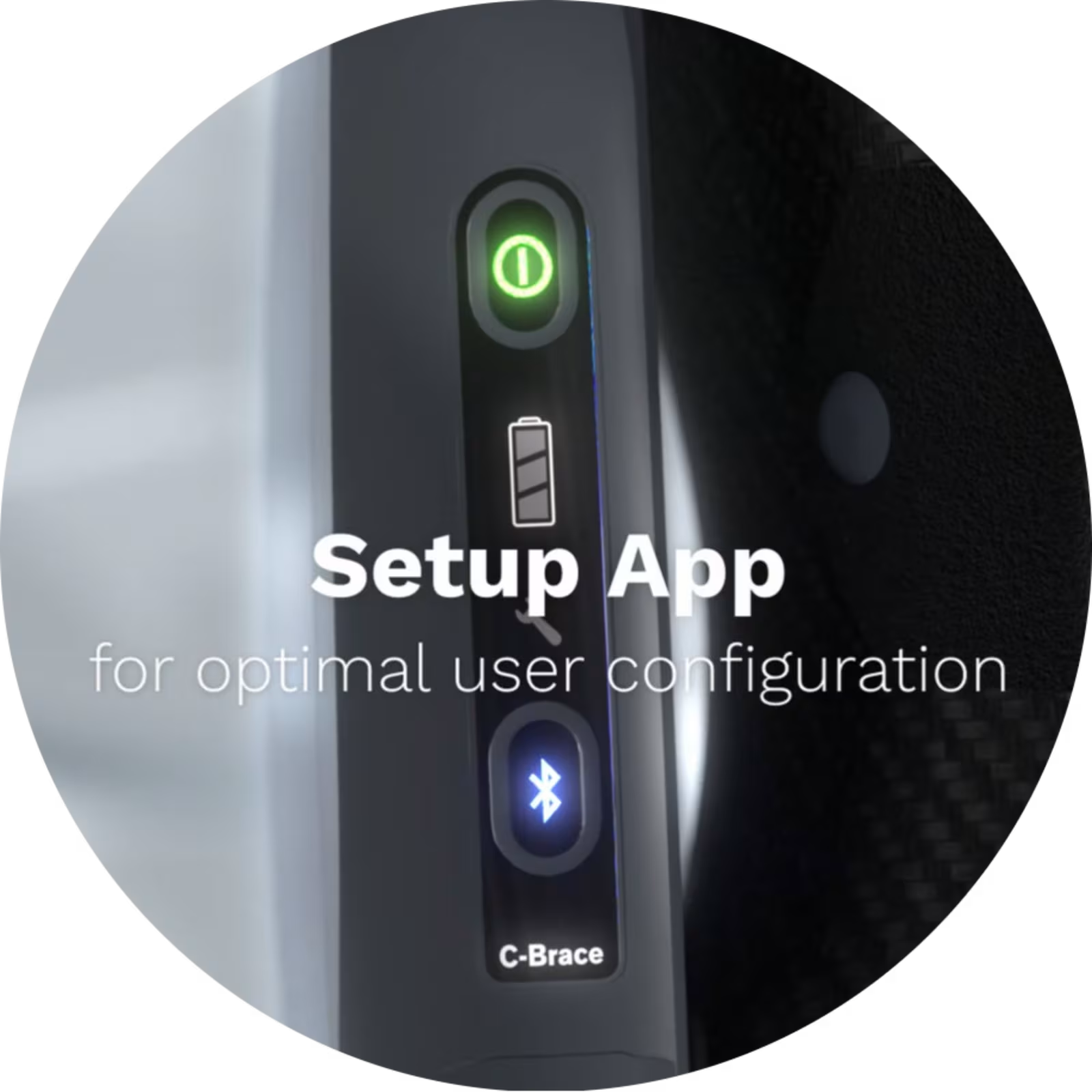
Setup App
The C-Brace Setup app enables certified C-Brace orthotists to configure and optimize product settings for patients.
The C-Brace Setup app enables certified C-Brace orthotists to configure and optimize product settings for patients.
Configure with Confidence
The Ottobock C-Brace Setup App gives certified clinicians the tools to configure and optimize the C-Brace for each user's unique mobility needs. Designed for use during fitting and follow-up appointments, the app enables personalized adjustments that help support functional, everyday movement.
Precision for Every Patient
No two users move the same way. The C-Brace Setup App helps clinicians tailor device settings to the user’s goals, capabilities, and environment through a streamlined digital fitting experience.
Installed on a compatible tablet, the app provides secure access to C-Brace programming and configuration tools for certified practitioners. An Ottobock-issued credential is required following successful certification and training.
Key Features
Personalized Programming - Configure C-Brace settings to meet each patient's unique mobility goals.
Precision Adjustments - Fine-tune system performance during fitting and follow-up visits.
Streamlined Clinical Workflow - Make efficient, tablet-based adjustments at the point of care.
Secure Certified Access - Available exclusively to trained and certified C-Brace professionals.
Optimized Patient Outcomes - Support individualized mobility through data-driven configuration.
Connected Experience - Seamlessly pair clinical setup with patient control through Cockpit.
1 results out of 1