
connectgrip
The new adjustment app for users and Prosthetists for MyoBock components from Ottobock.
The new adjustment app for users and Prosthetists for MyoBock components from Ottobock.
The new adjustment app for users and Prosthetists for MyoBock components from Ottobock.
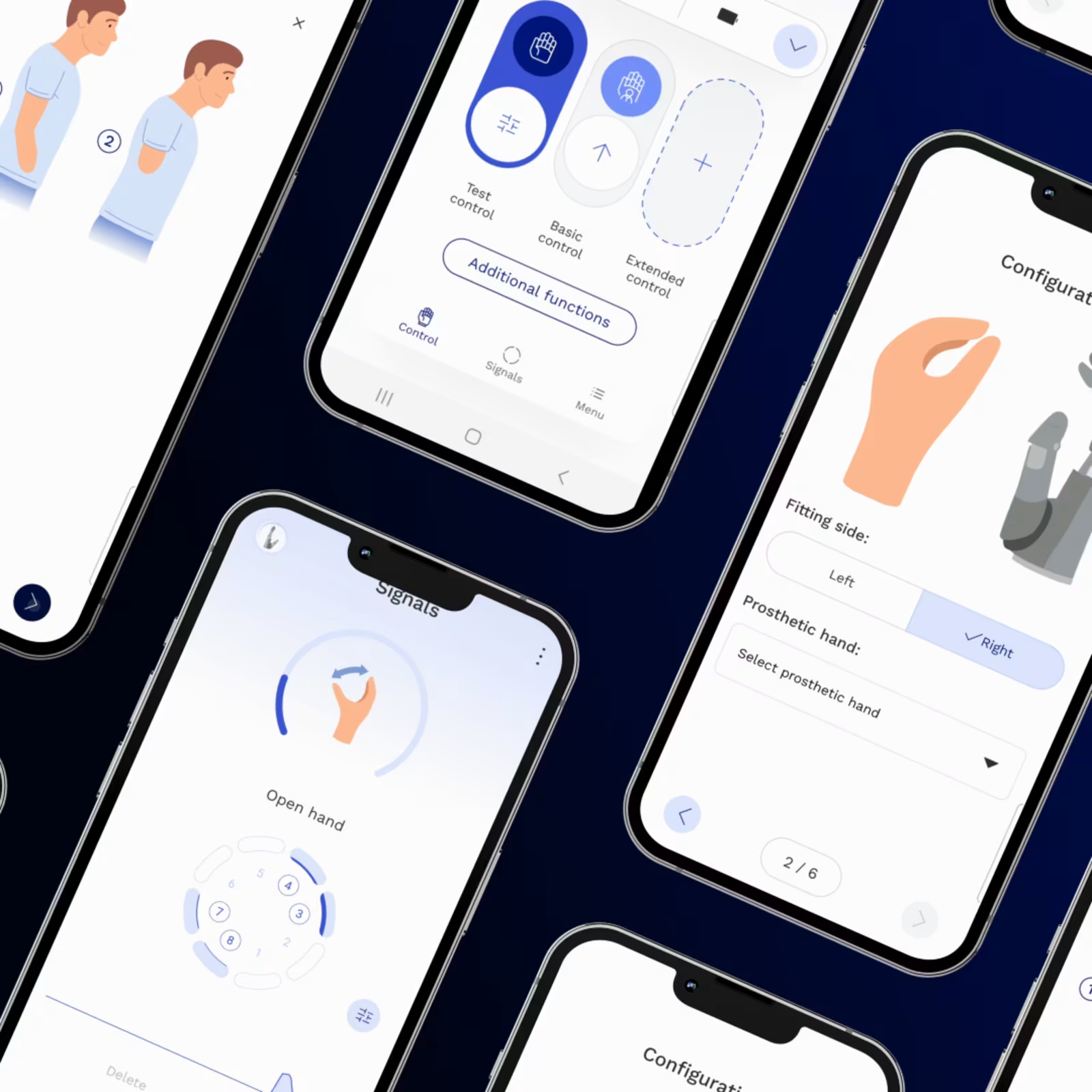
The connectgrip app provides a user-friendly interface for users and professionals to control and personalise myoelectric arm and hand prostheses. It enables easy adjustments, real-time signal visualisation, and individual motion recording for movements, joint switching and unintended movements. Users achieve improved control, while professionals benefit from streamlined prosthetic setup features, improving both functionality and comfort.

Benefits of connectgrip.
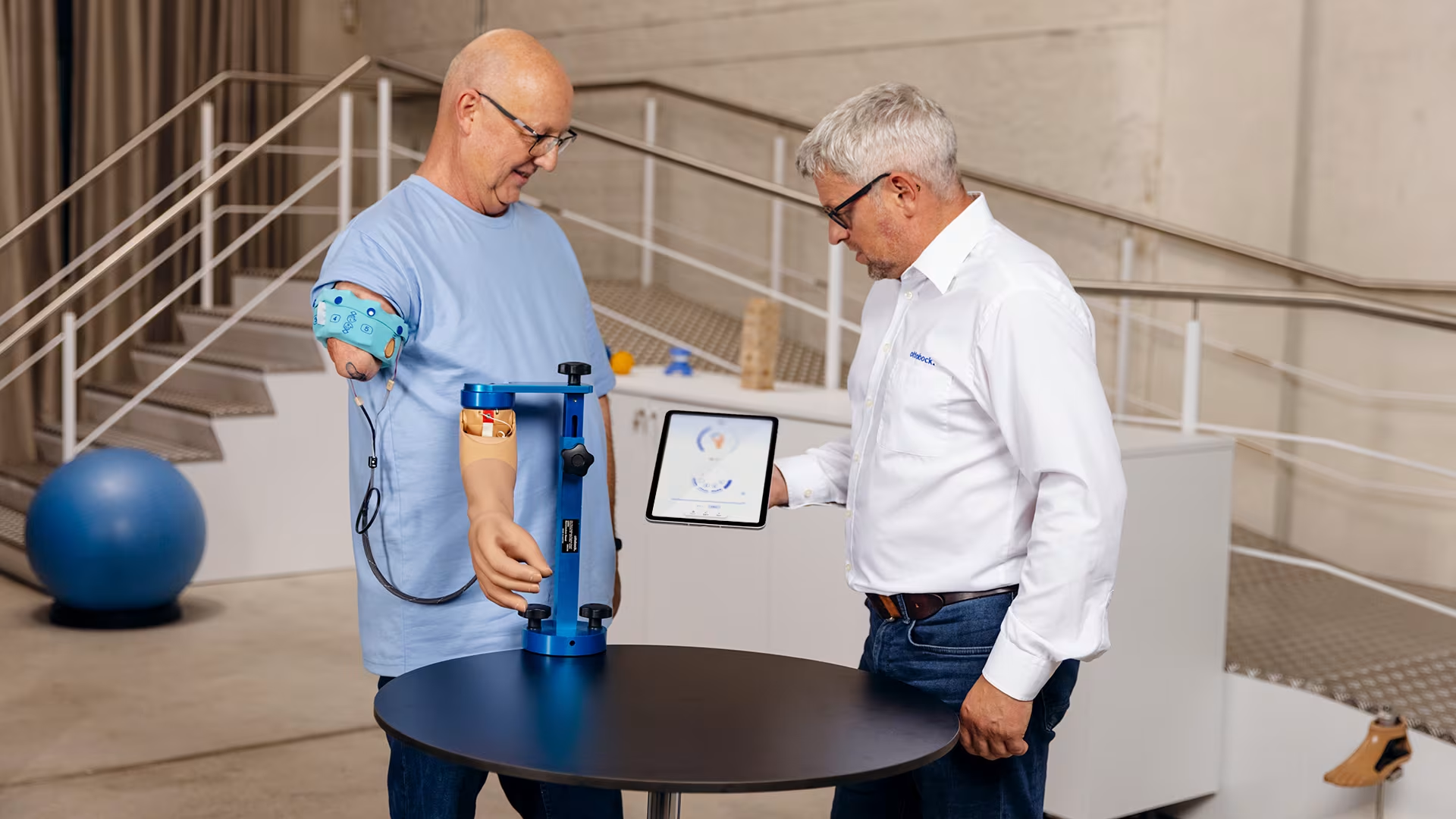
Customisable myosignals for personalised prosthesis control
Easily customise each user's muscle signals for smooth, personalised control of their prosthesis, helping improve their experience and results.
Easily customise each user's muscle signals for smooth, personalised control of their prosthesis, helping improve their experience and results.
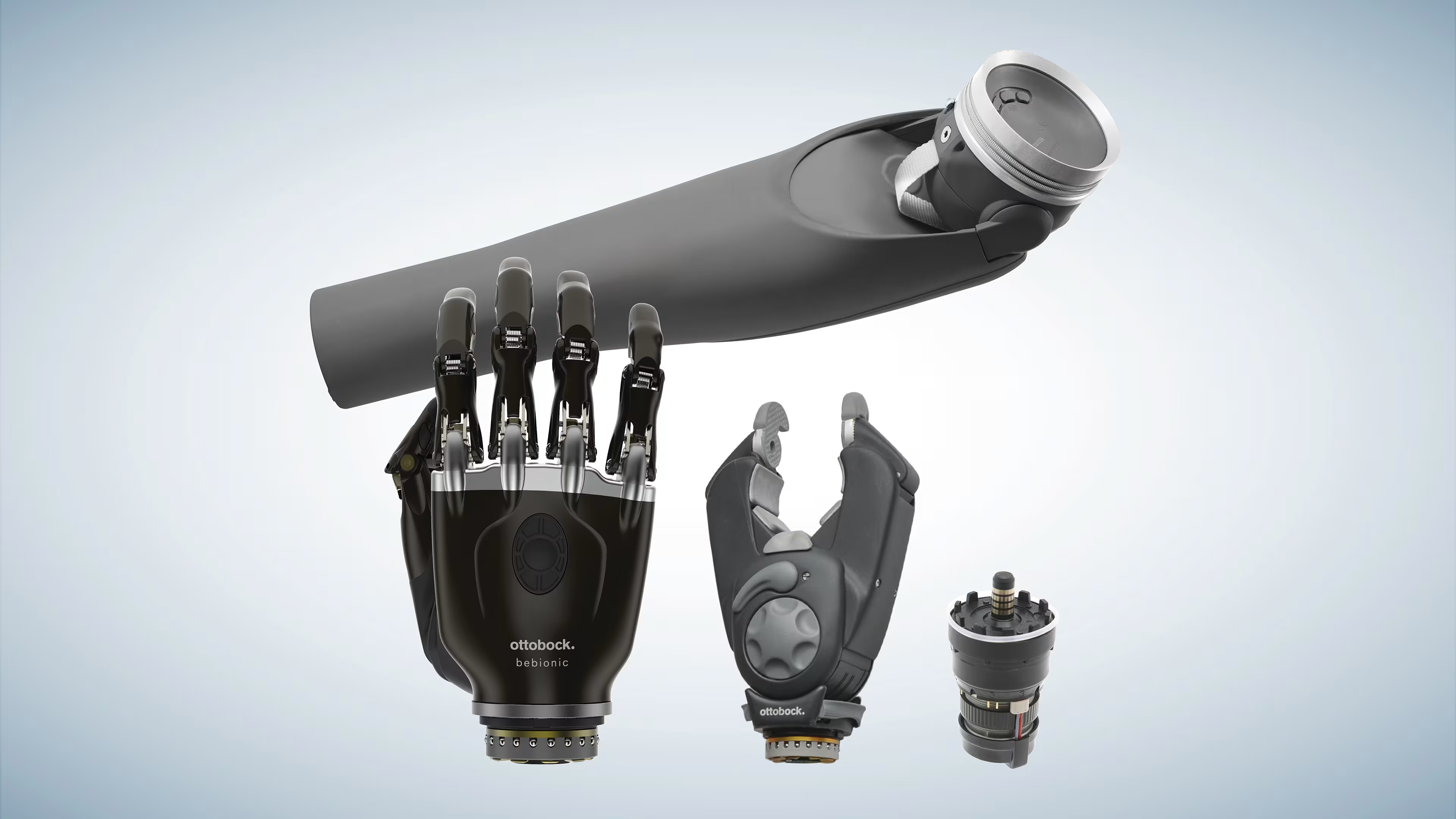
Compatible with all myoelectric Ottobock terminal devices
Depending on each individual’s needs and potential, myoelectric terminal devices and intelligent controls can be seamlessly combined with components such as wrist rotators and elbow joints. The result is a personalised prosthetic solution that supports each user’s abilities, providing intuitive, natural control.
Depending on each individual’s needs and potential, myoelectric terminal devices and intelligent controls can be seamlessly combined with components such as wrist rotators and elbow joints. The result is a personalised prosthetic solution that supports each user’s abilities, providing intuitive, natural control.
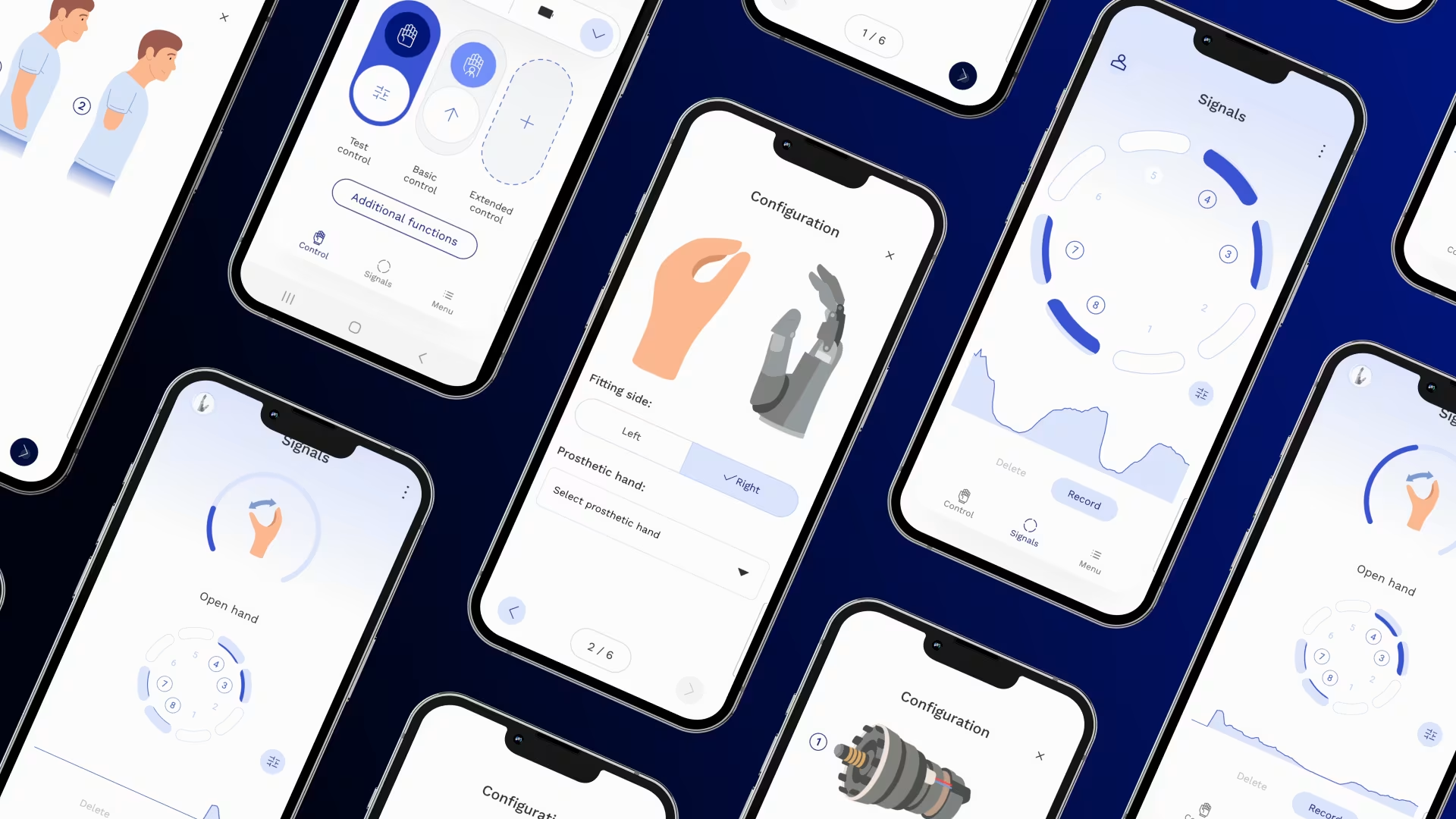
Get visual biofeedback in real time
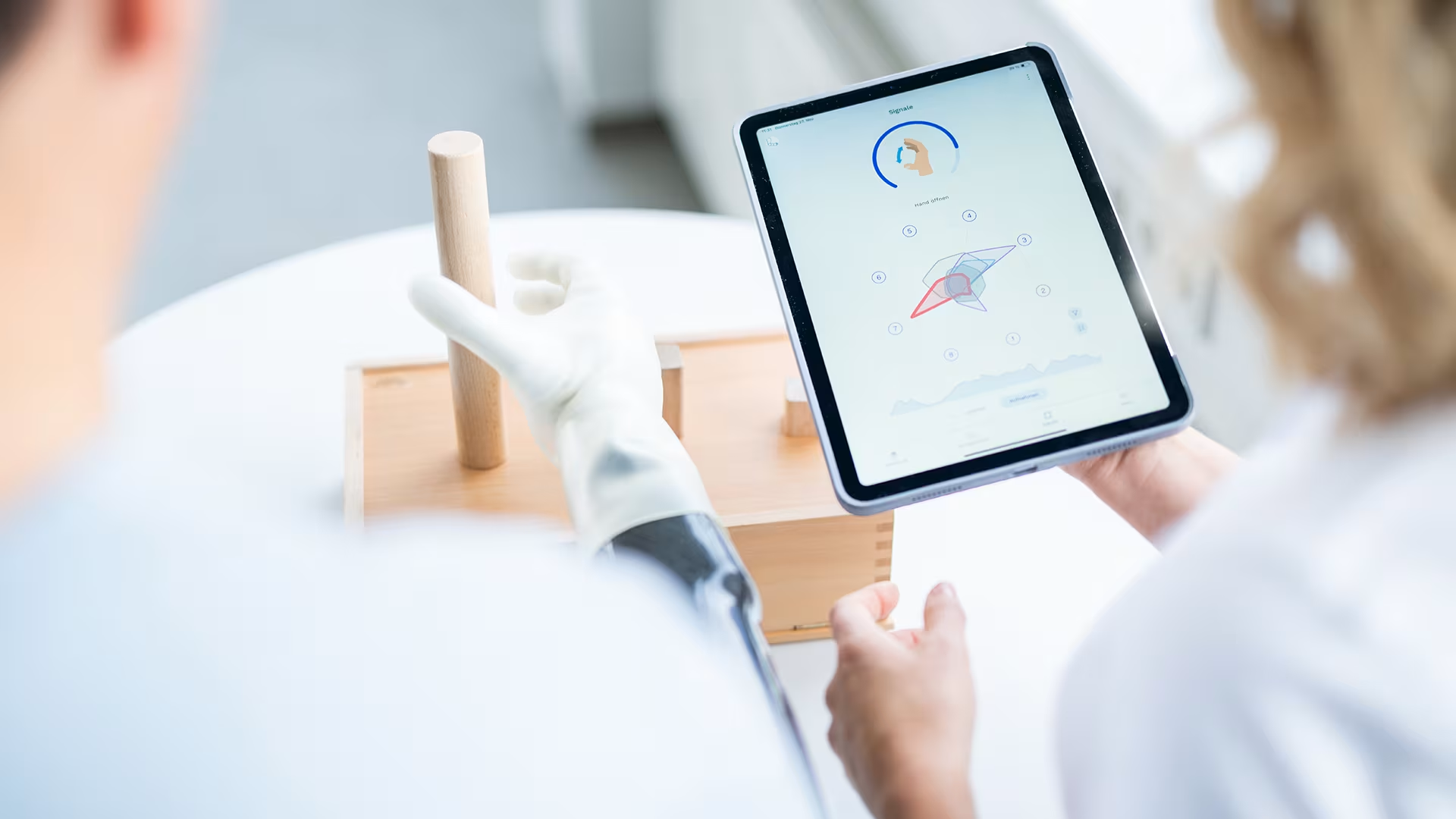
The connectgrip app translates muscle signals into a dynamic visual display of your user’s myo activity, helping you identify hotspots and precisely guide user training. With this visualised guidance, you can deliver the best possible results.
The connectgrip app translates muscle signals into a dynamic visual display of your user’s myo activity, helping you identify hotspots and precisely guide user training. With this visualised guidance, you can deliver the best possible results.

Quick and easy prosthesis deactivation
Individual prosthetic components, or the entire prosthesis, can be temporarily deactivated and reactivated using a brief muscle signal or the connectgrip app, providing greater safety and flexibility when needed.
Individual prosthetic components, or the entire prosthesis, can be temporarily deactivated and reactivated using a brief muscle signal or the connectgrip app, providing greater safety and flexibility when needed.
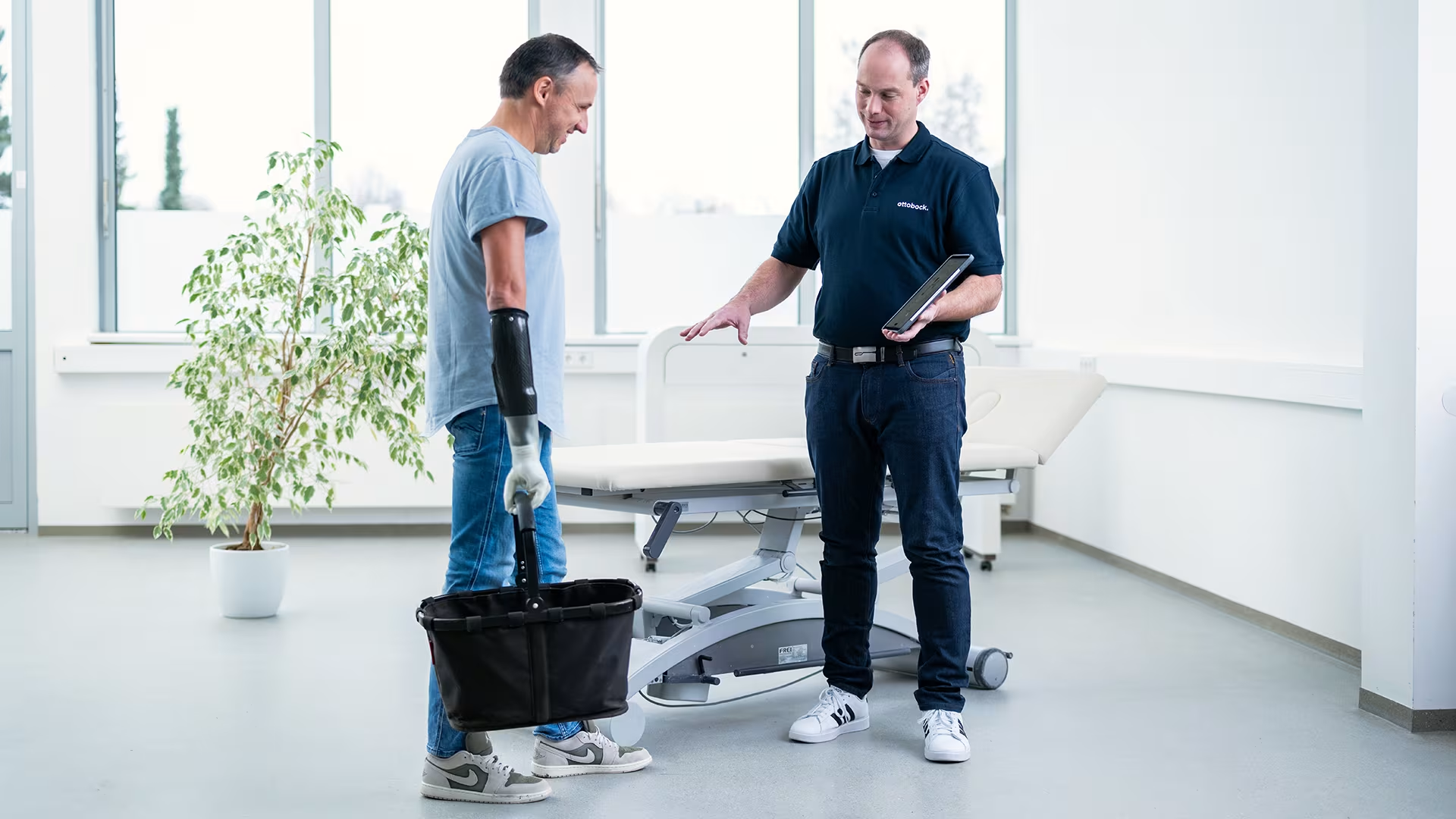
Capturing unintended prosthetic movements
To help prevent unintended prosthetic movements, myosmart plus and the connectgrip app can identify and record unintentional muscle signals, reducing the risk of miscontrol.
To help prevent unintended prosthetic movements, myosmart plus and the connectgrip app can identify and record unintentional muscle signals, reducing the risk of miscontrol.
Performance through targeted training
All muscle signals are displayed in real time via the connectgrip app. Trial controls and home training make it easy to adjust the prosthetic control settings, helping users optimise their prosthesis independently. To achieve the best possible performance and ensure safe use, training with a therapist is recommended.
All muscle signals are displayed in real time via the connectgrip app. Trial controls and home training make it easy to adjust the prosthetic control settings, helping users optimise their prosthesis independently. To achieve the best possible performance and ensure safe use, training with a therapist is recommended.
Get started in three easy steps.
- Install: Download the app connectgrip app from Google Play or from the App Store.
- Log in: Open the app connectgrip and log in with your MyOttobock account. If you do not have a MyOttobock account, please register one via the “Register here” link on the log-in screen. The connectgrip app will automatically direct you to register a “MyOttobock Pro” account which is the Prosthetists version of MyOttobock.
- Activate: Once you have completed your certification course with the Academy team you can then request access for the component. This will automatically check your credentials in our online learning platform and grant access. This means unlock pins are no longer required, one login with your MyOttobock Pro account will be used to access all components in the connectgrip app in the future.