
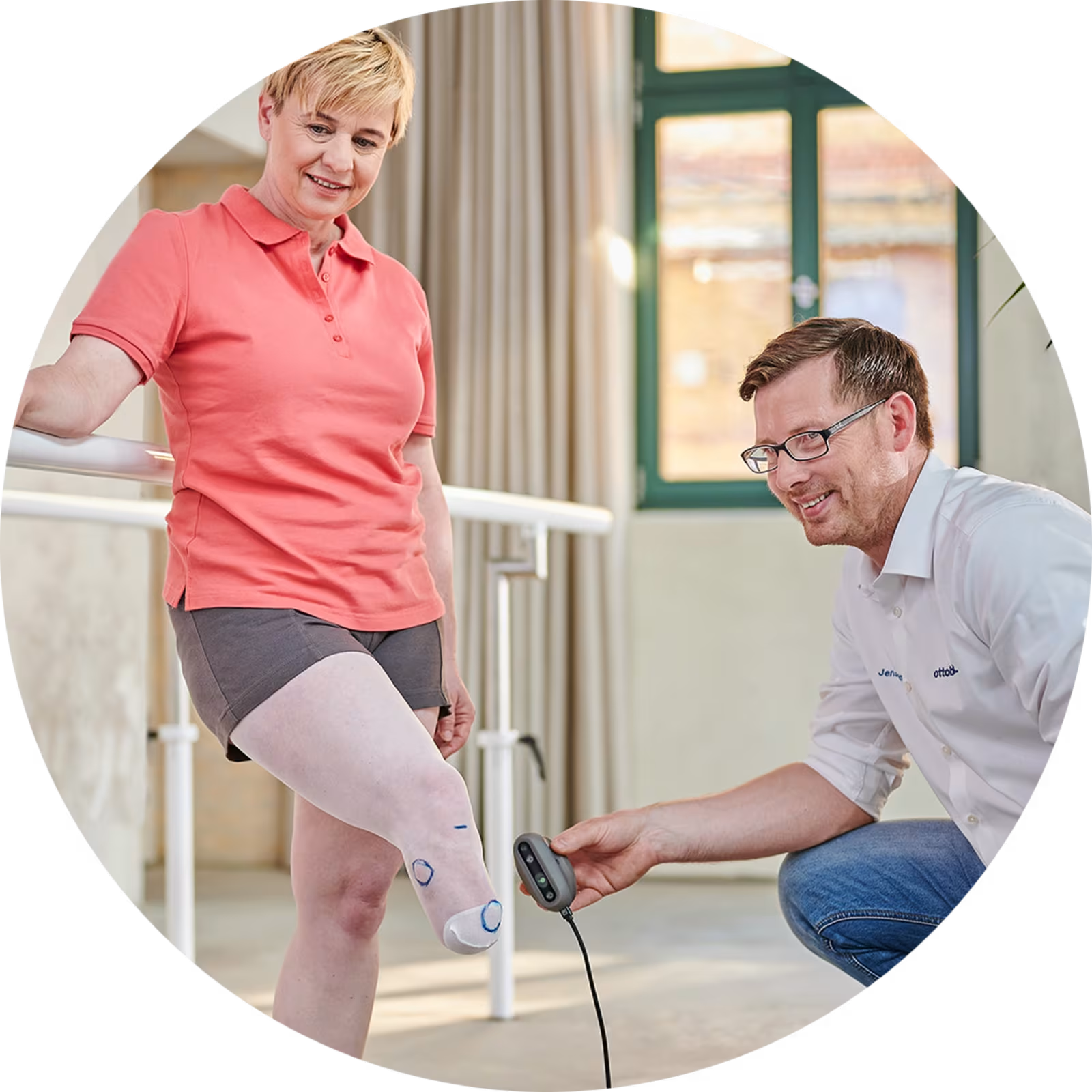
EasyScan – Handheld Scanning System.
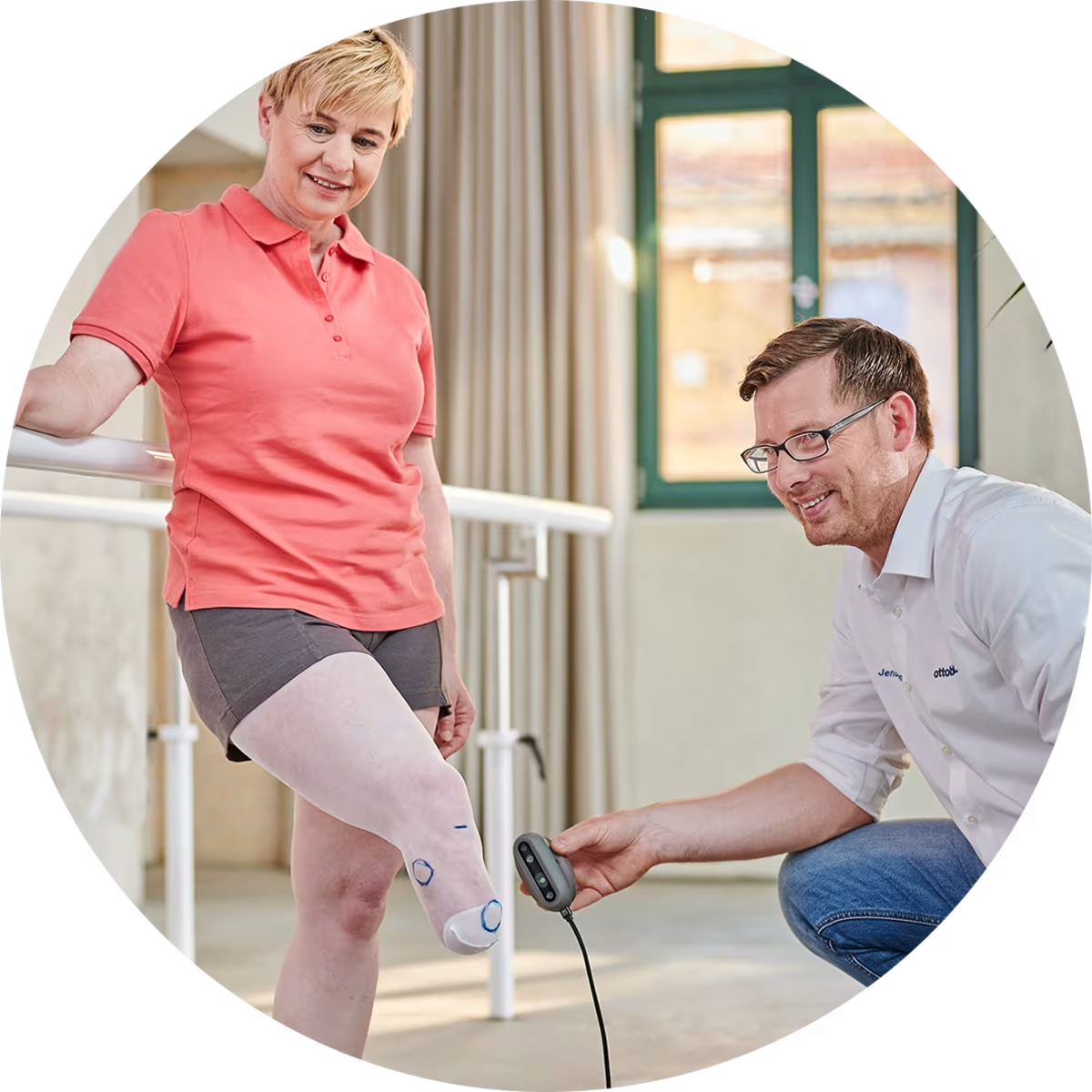
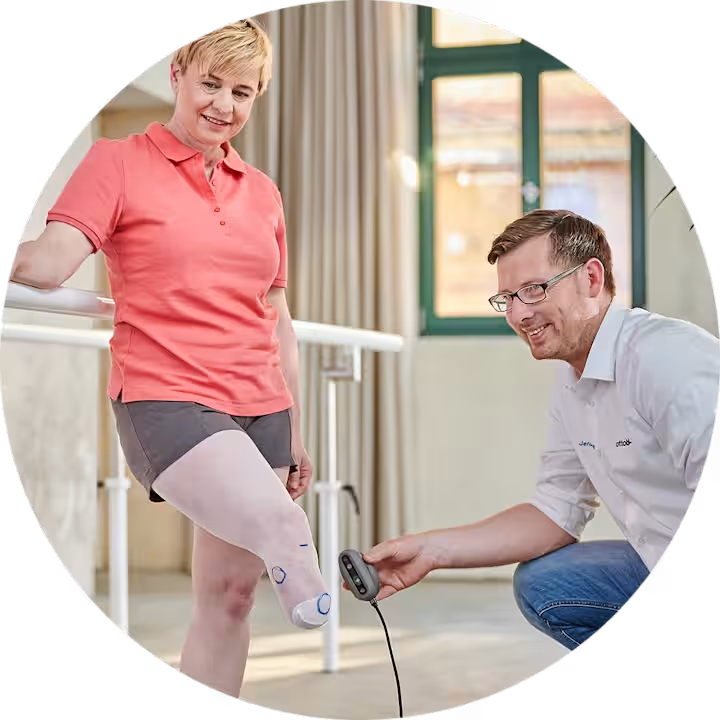
With the hand-held 3D scanner, you easily and efficiently capture the entire body area to be molded, while following in real time the scan results on the screen.
With the hand-held 3D scanner, you easily and efficiently capture the entire body area to be molded, while following in real time the scan results on the screen.
Getting Started with Digital Fabrication
Ottobock’s iFab Suite offers a fully digital pathway for fabricating sockets for both transtibial and transfemoral users. Located in the iFab Customer Center, this computer-assisted design (CAD) system streamlines the process of modifying 3D models, allowing clinicians to make adjustments similar to those done with plaster models, such as reduction values, trim lines, and reliefs. This digital workflow enables the creation of both transtibial check sockets and 3D-printed definitive sockets, as well as transfemoral check sockets, providing a highly efficient and precise solution for prosthetic care.
A Cost-Effective Imaging Solution.
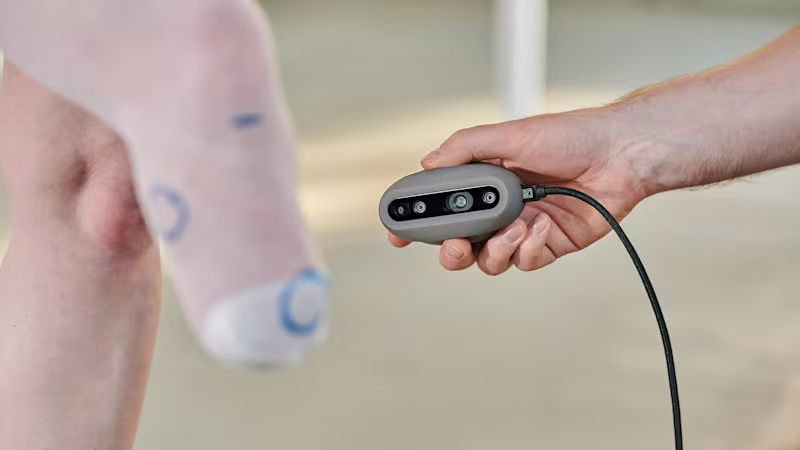
iFab EasyScan is a clean, cost-effective imaging solution for O&P, designed to simplify the scanning process. The system includes a handheld scanning camera with enhanced image tracking capabilities, capturing texture and color for high-quality 3D models. The kit contains:
Handheld scanning camera
Scanner housing
USB cable
Carrying case
Note: iFab EasyScan is designed for Windows-based personal computers. Currently, iOS/Android mobile devices are NOT supported. The ottobock.EasyScan app and iFab Customer Center (iCC) provide a seamless experience from scanning to ordering.
Step 1: Set Up Your Tools
Register for an iCC account
Purchase the iFab EasyScan kit (Windows only)
Install EasyScan software and connect your device
Download and install the iFab EasyScan App Software
Pair the EasyScan app software with your iCC account
Step 2: Build Your Confidence
To get the most out of iFab EasyScan and ensure optimal results with your digital fabrication process, we recommend completing the MyFit TT Essentials course. This course will teach you the proper scanning techniques and provide a deeper understanding of the software’s capabilities. The course also offers 1.25 CEUs and can be found on myLearning.